
In this article:
Best practices for template design
What Are Sequence Templates?
Sequence templates allow you to reuse a standard set of steps when creating new sequences in Tascus.
Templates are stored using the Tascus XML format. Any sequence can be saved as a template and reused later by importing its steps into a new sequence.
By default, Tascus stores templates in:
C:\ProgramData\Tascus\Template FilesHowever, you can save templates anywhere. We recommend saving templates in a single shared directory for all editors to access.
Creating a Template
Open an existing sequence in Tascus
Make any changes needed to make it reusable (remove product-specific values, rename steps, etc.)
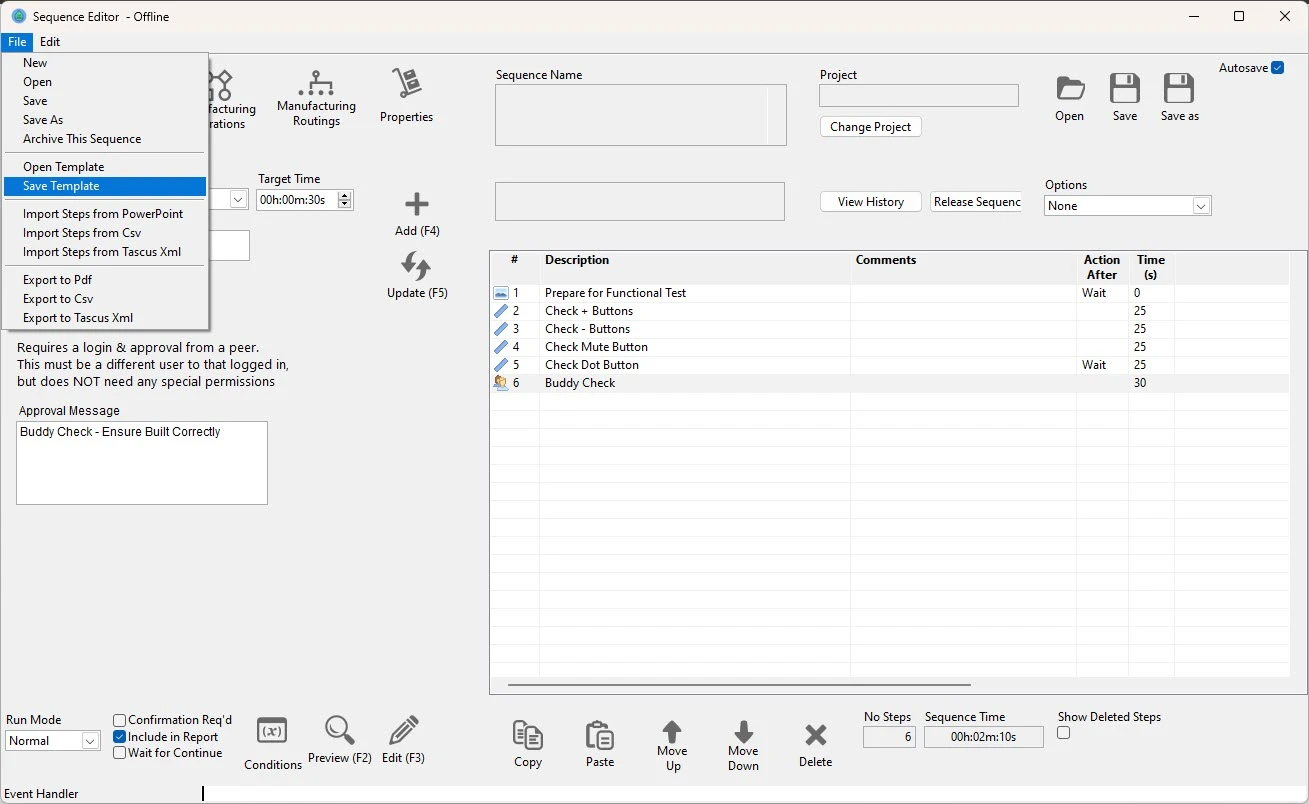
Go to File → Save Template
Save the template XML file
Tascus will default to
C:\ProgramData\Tascus\Template Files
The sequence is now available as a template.
Editing an Existing Template
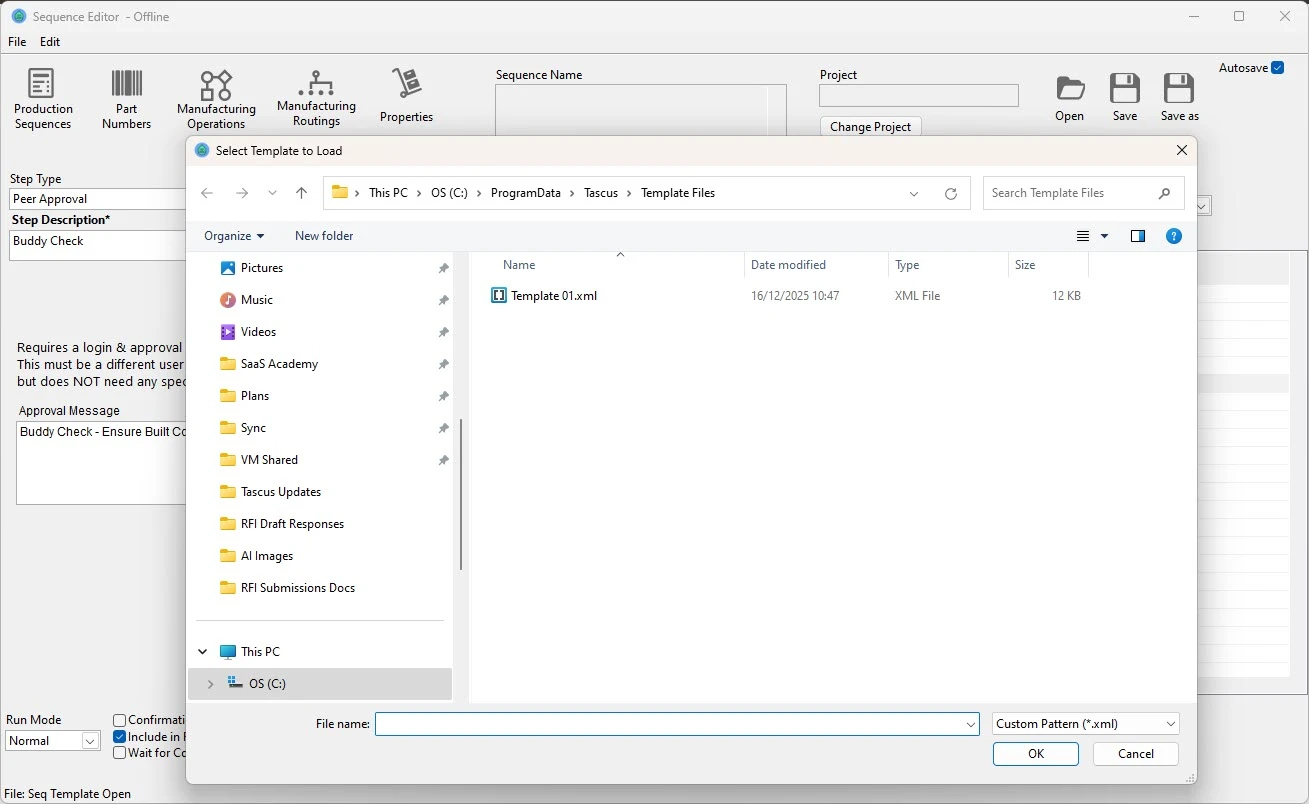
Go to File → Open Template
Select the template XML file
Make your changes
Save again using File → Save Template
Templates open and behave the same way as normal sequences.
Using a Template in a New Sequence
Create a new blank sequence in Tascus
Go to File → Import Steps from Tascus XML
Select the required template file
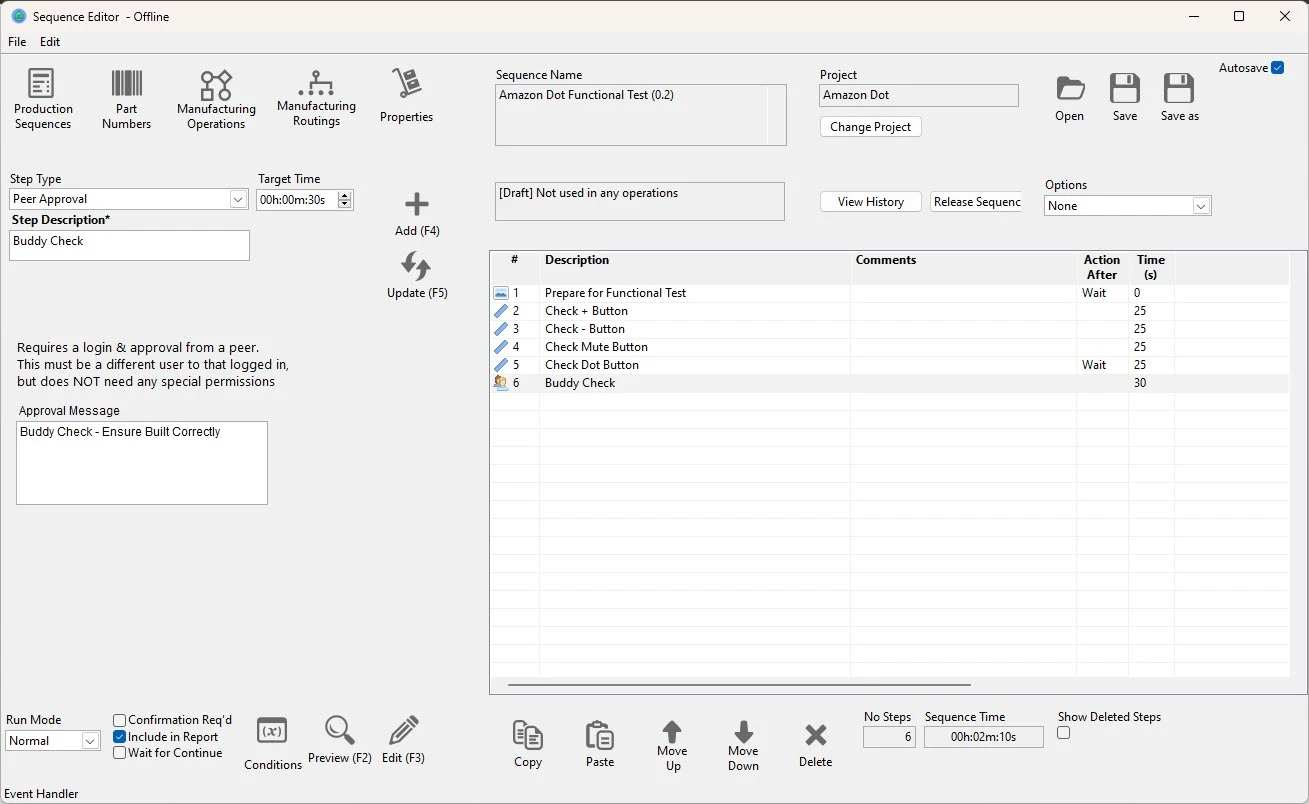
The steps from the template are imported into your sequence
Modify the sequence as required and save
Imported steps are copied into the sequence and can be edited independently.
Notes
Templates are XML files and are not linked once imported
Importing a template does not overwrite existing steps unless you choose to remove them
Multiple templates can be imported into the same sequence if required
Best Practices for Template Design
Use the following guidelines to create templates that are easy to reuse and maintain.
Keep Templates Generic
Remove product-specific values, serial numbers, and limits
Use neutral step names and instructions
Avoid hard-coded references to fixtures, tools, or variants unless they are always present
Design for Reuse, Not Completeness
Templates should provide a starting structure, not a finished sequence
It is usually better to keep templates slightly simpler and allow engineers to extend them after import
Use Clear Step Naming
Use descriptive, standardised step names
This makes imported sequences easier to understand and modify
Avoid Excessive Logic in Templates
Keep complex conditional logic to a minimum
Where possible, allow site- or product-specific logic to be added after import
Treat Templates as Controlled Assets
Avoid frequently editing templates that are already in use
If a major change is required, consider saving a new template version
Use clear naming conventions (for example:
Assembly_Base_v2.xml)
